

No Products in the Cart


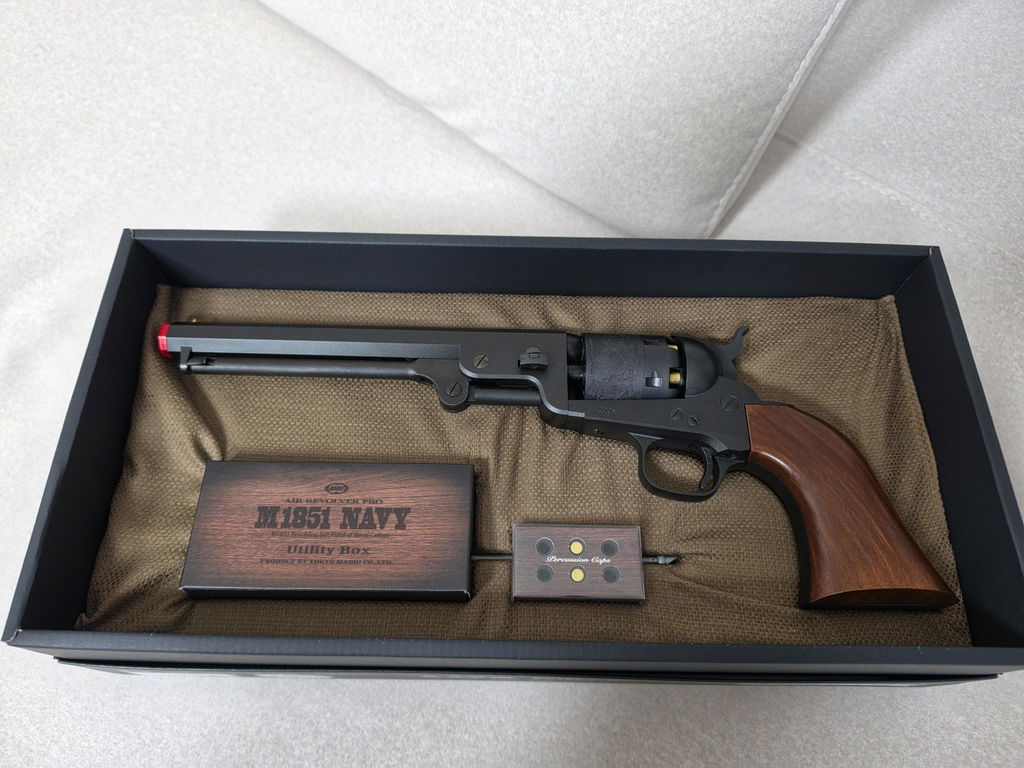
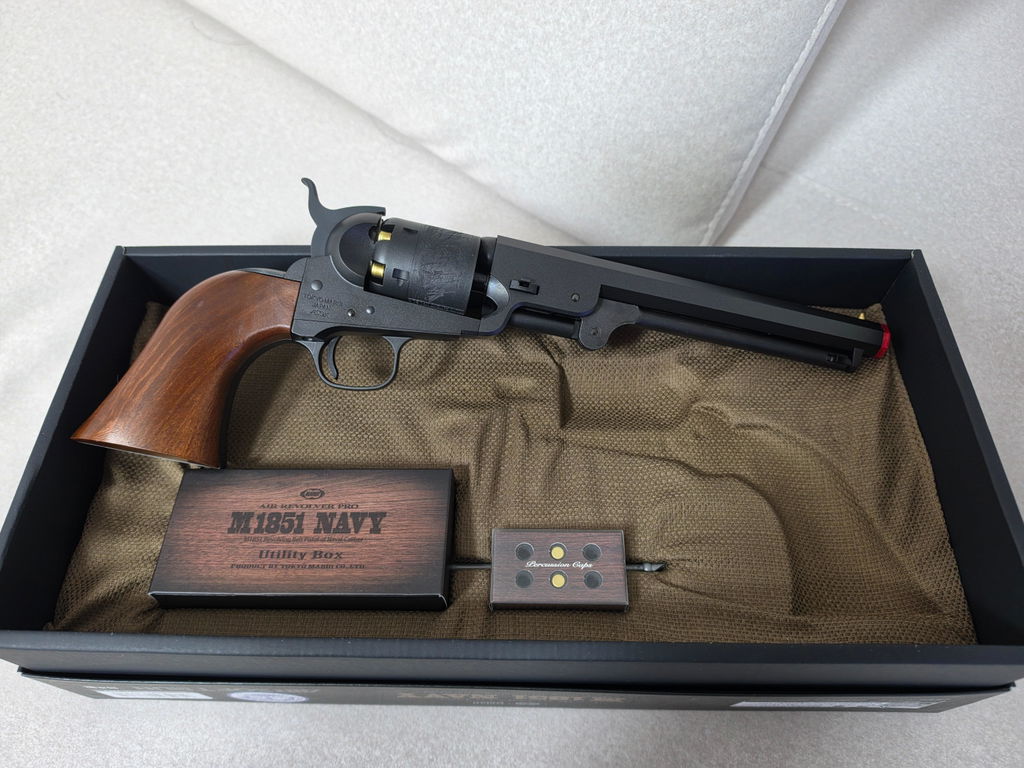
追加カートリッジを購入してよかったです。 ディスプレイにも適しています。 包装と配送のどちらも気に入りました。
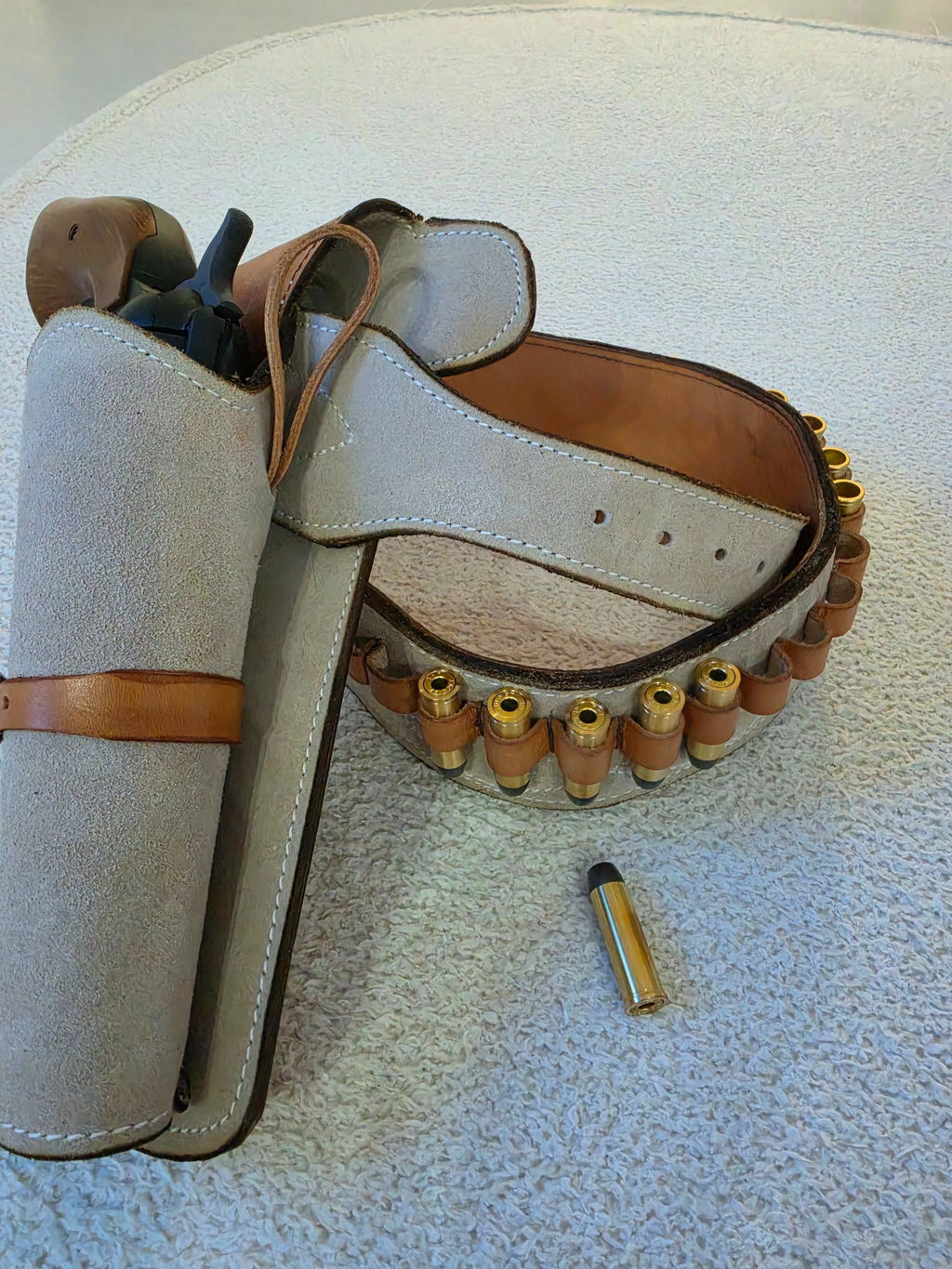
この店舗がとても気に入っています。 今回で2回目の購入ですが、今回もすべて気に入っています。 丁寧な梱包と迅速な配送、誠にありがとうございます。
Once we have confirmed the stock, we will send you an email containing a PayPal link.

Please click the “Send” button on the next page.

After logging in or signing up and proceeding to the next step, you will be taken to the screen where you enter the amount.


When transferring funds, please make sure that “JPY”, the Japanese yen, is sent to us.
Please enter the order number and email address you used when placing your order.
※ If this information is missing, verification may take some time.


Next, please select your preferred payment method. Credit cards are also accepted.

Finally, enter your address and click “Send” to complete the transfer!

If you wish to send money overseas, please choose the method that best suits you.
The following are some popular methods.
Please refer to the links for details on each transfer method.
■Toss
If you already use Toss, you can also use MOIN’s overseas remittance service through Toss. Please refer to the link below for more details.
■MOIN
If you are new to the MOIN app, please refer to the link below.
※ This blog explains how to send money from Japan to Korea. The process is almost the same when sending money from Korea to Japan. Please refer to it.